Sep 11, 2025
Description
In the world of industrial automation, a system’s success isn't just measured by how fast it runs but by how clearly it communicates with its users. That’s where Human-Machine Interfaces (HMI) play a vital role. A well-designed HMI helps operators understand, control, and troubleshoot machines quickly and safely.
In this blog, we’ll explore the principles of intuitive HMI design, cover both basic and advanced interface techniques, and share real-world practices to improve usability and efficiency.
What Is An HMI?
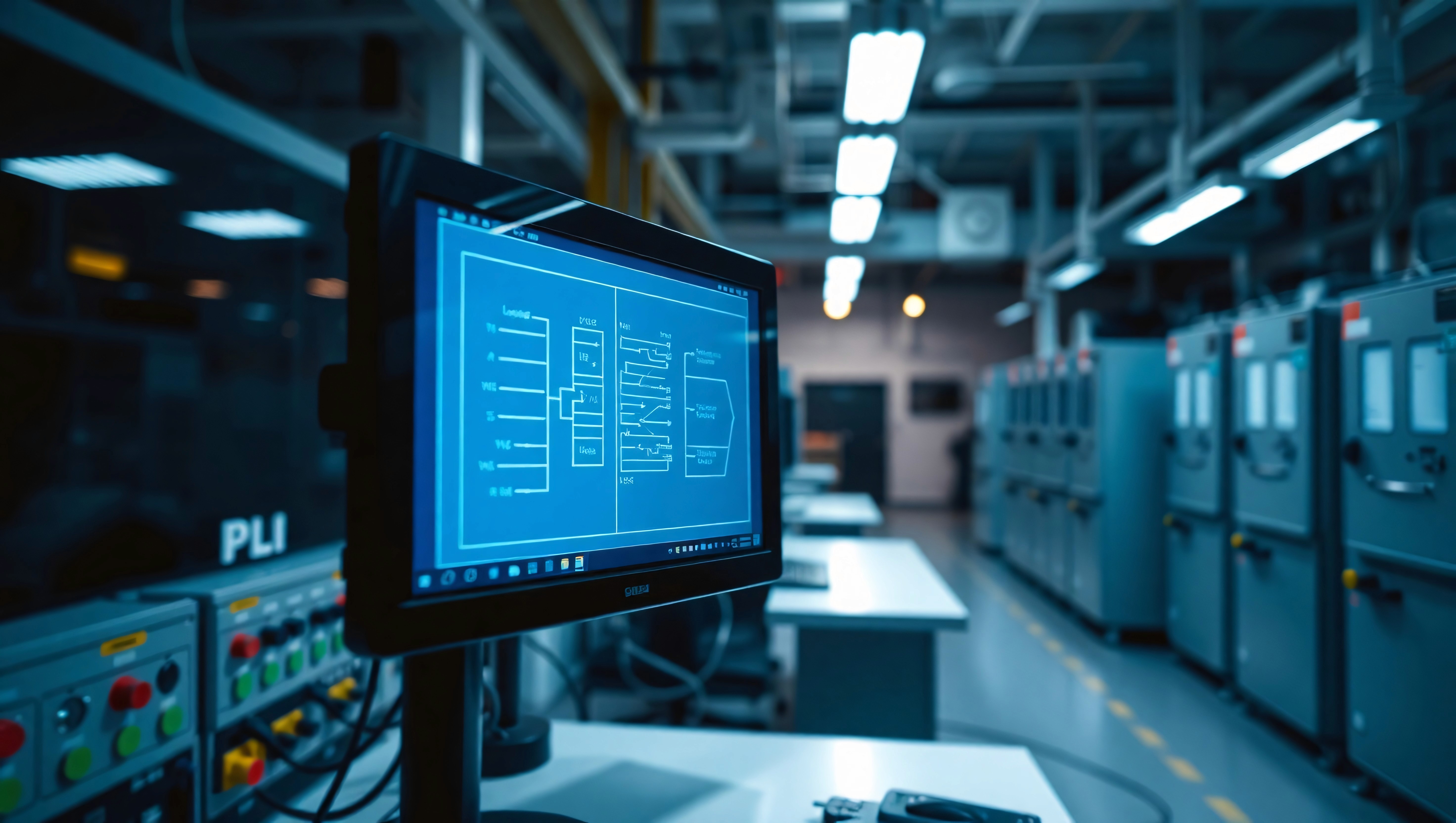
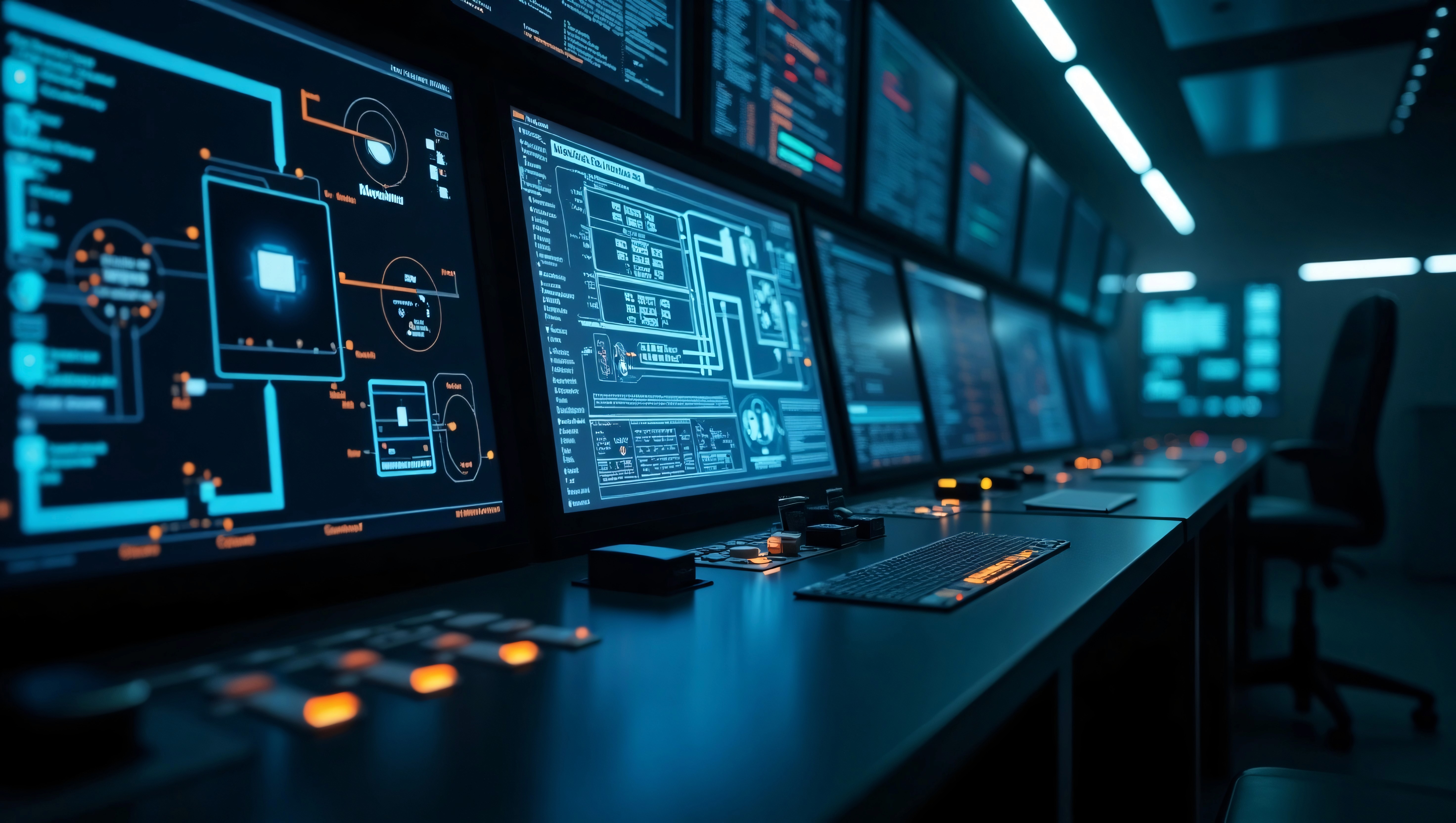
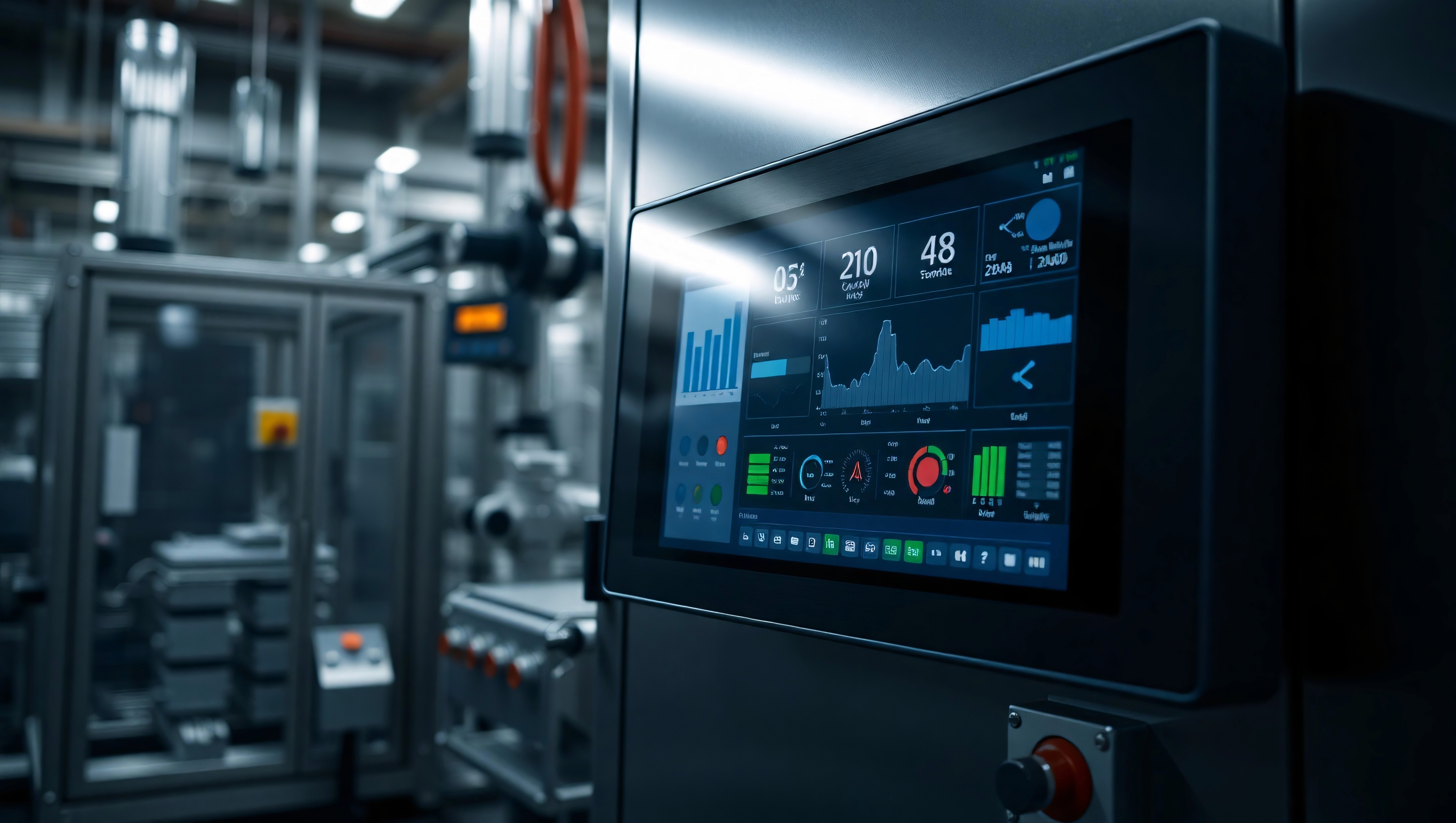
An HMI (Human-Machine Interface) is a visual display panel usually a touchscreen or screen-based interface that allows users to interact with a control system. It displays data, shows alarms, sends commands, and provides diagnostic tools.
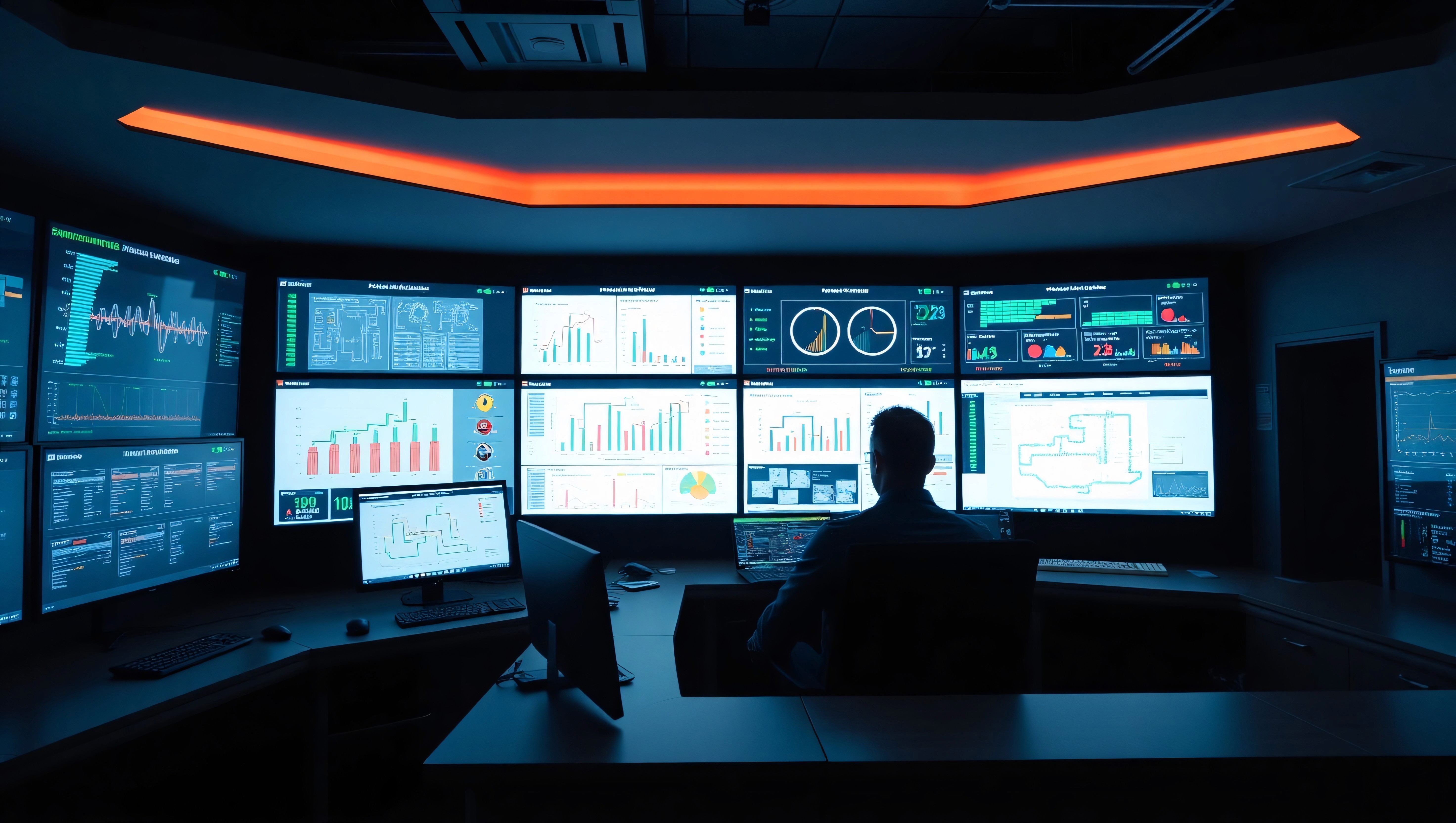
From small operator panels to full SCADA displays, HMIs are the front-end of automation systems.
Why HMI Design Matters
An HMI is more than just a screen it’s the bridge between the operator and the machine. Poor design can lead to:
X Misunderstood alarms
X Slower reaction times
X Increased training needs
X Safety hazards
On the other hand, a smart and intuitive HMI ensures:
✔ Faster decision-making
✔ Smooth operations
✔ Reduced errors
✔ Better overall system performance
Fundamentals Of Good HMI Design
1. Clarity Over Decoration
Keep screens clean, minimal, and easy to scan. Avoid flashy graphics that distract from essential data.
2. Color With Purpose
Use color to highlight status not to decorate. For example:
Red = Alarm/Error
Green = Running
Yellow = Warning
3. Consistent Layouts
Maintain consistent navigation and screen structure across all interfaces.
4. Prioritize Critical Data
Place the most important controls and data at the center of attention. Operators should see key values at a glance.
Basic Components Of An Effective HMI
Status Indicators - Show the current machine or process state
Command Buttons - Start/Stop/Reset/Mode selection
Live Values - Real-time data such as temperature, pressure, counters
Alarms and Messages - Provide context-specific guidance
Navigation Menus - Allow quick access to key pages
Trends and Graphs - Visualize performance over time
Advanced Techniques For High-Performance HMIs
1. Contextual Visibility
Only show controls and values relevant to the current mode or operator role. Avoid information overload.
2. Smart Alarm Handling
Use alarm grouping, filtering, and hierarchy (critical vs. informational) to avoid alarm fatigue.
3. Multilingual Interfaces
Support multiple languages for international teams using the same system.
4. Diagnostics Screens
Include hidden or restricted access screens for maintenance engineers with system health info, logs, and raw I/O data.
Tools I Use For HMI Development
Here are the main platforms I use to build custom HMIs:
TIA Portal - Siemens’ unified tool for PLC + HMI design
WinCC Flexible - For advanced SCADA and flexible interface creation
Delta Screen Editor - Compact panel configuration for Delta PLCs
Omron NB Designer / CX-Designer - HMI software for Omron PLCs
Fatek HMI Builder - Fast, user-friendly interface creation
LS Industrial IXP / XGT Panel Editor - For Korean-made LS automation systems
Tips For Designing Better HMIs
✔ Always test your HMI with actual users before deployment
✔ Include helpful error messages and guided steps
✔ Group buttons by function (e.g., control vs. navigation)
✔ Use dynamic objects like color-changing indicators and trend graphs
✔ Include manual overrides and safe mode functions where needed
Conclusion
A well-designed HMI can be the difference between downtime and smooth operation. It’s not just about appearance it’s about usability, clarity, and function. Whether you're designing for a small machine or a multi-process SCADA system, human-centered design should always be the focus.